Digital Business Card
Link Up
Website
Feedbacks
Have a question? Ask now
ECommerce Store
Booking Store
How to use QR Code?
Put your QR Code on your business card, brochures and and other branding material.
How to scan QR Code?
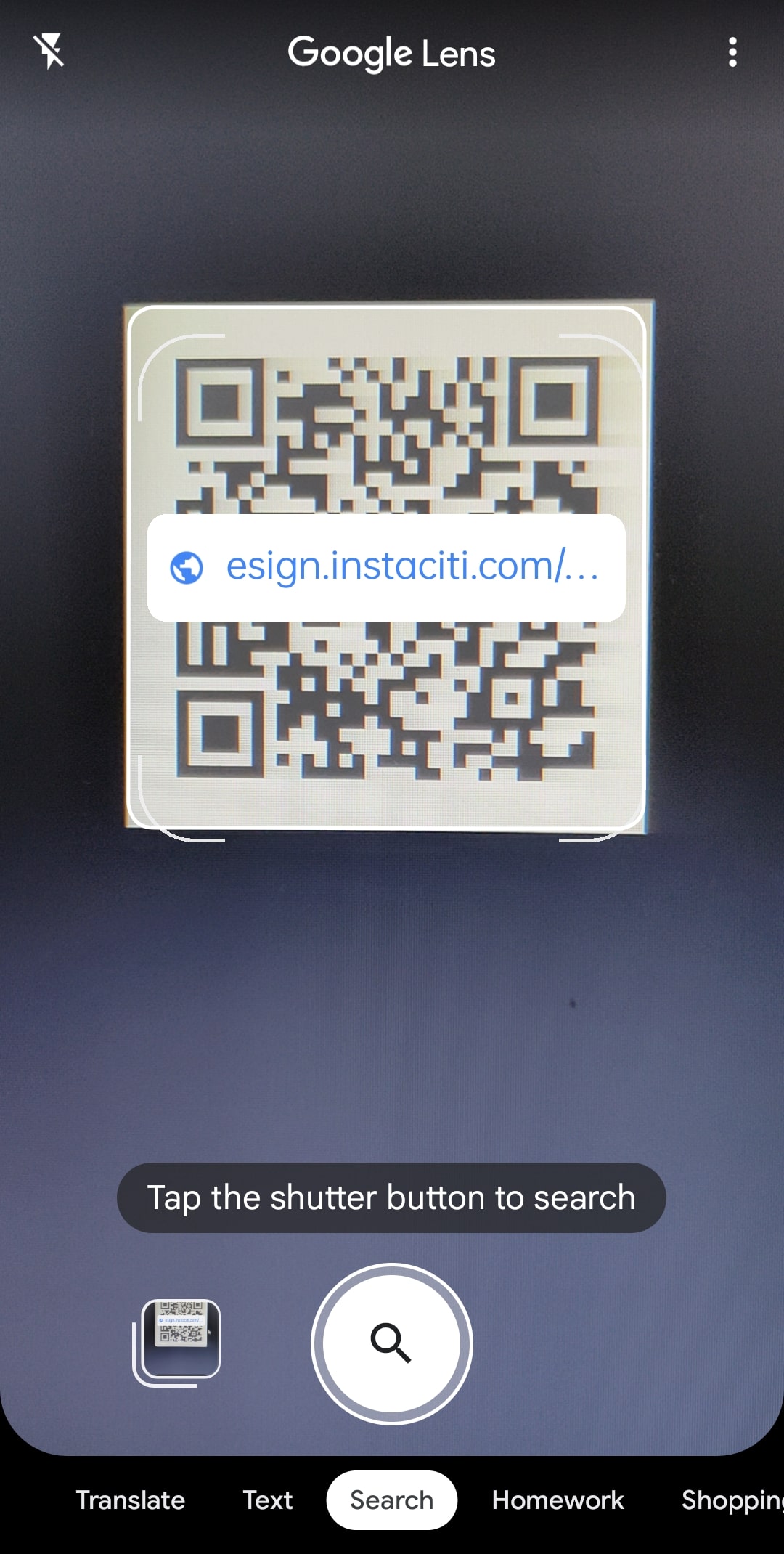
To scan a QR code on your smartphone, all you have to do is open the Camera app and point your phone at the QR code. Make sure the QR code is inside the box on your screen, and then tap the pop-up banner or the yellow QR code icon in the bottom-right corner.
If you don’t see the pop-up banner, you can use the Google Lens app to scan the QR code instead.
Reference Image
How to use QR Standee?
QR Standee can be put on your reception desk and other prominent places from where your customers can scan and connect with your business.